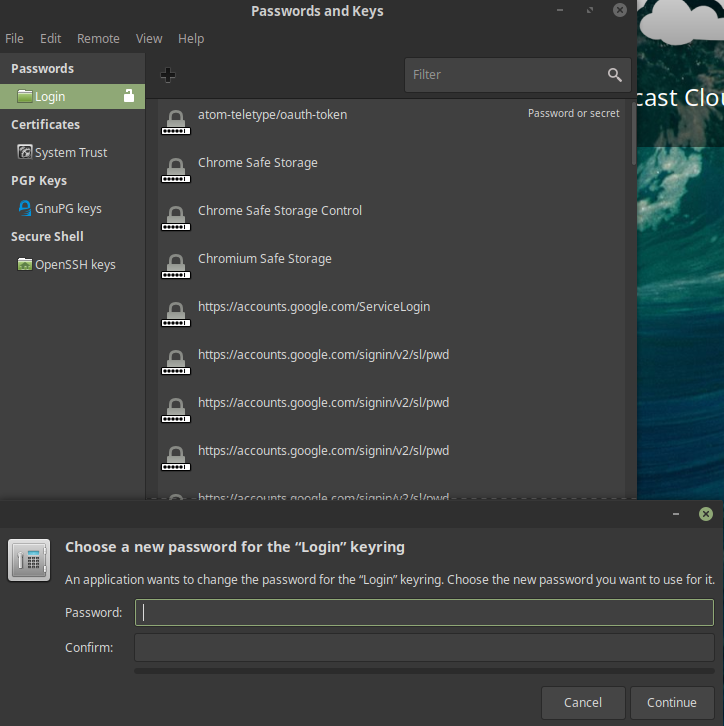
If you see a popup every time when you start Chrome about a keyring. This could be really annoying if you have many opened tabs. Here you can find solution for this issue.
How to fix it:
- Open Menu
- All Applications
- Accessories
- Passwords and Keys
- Right-click on the "login" keyring
- Select "Change Password"
- Enter your old password if asked
- Don't enter new password
- Continue